
Camera Setup Mistakes That Show Up On Air, and How to Avoid Them
Most weak live pictures trace back to a handful of avoidable setup habits: cable runs, rig choices, framing guesses and thin operator briefings. Here is what we see and what we do about each.
5 minutes to read
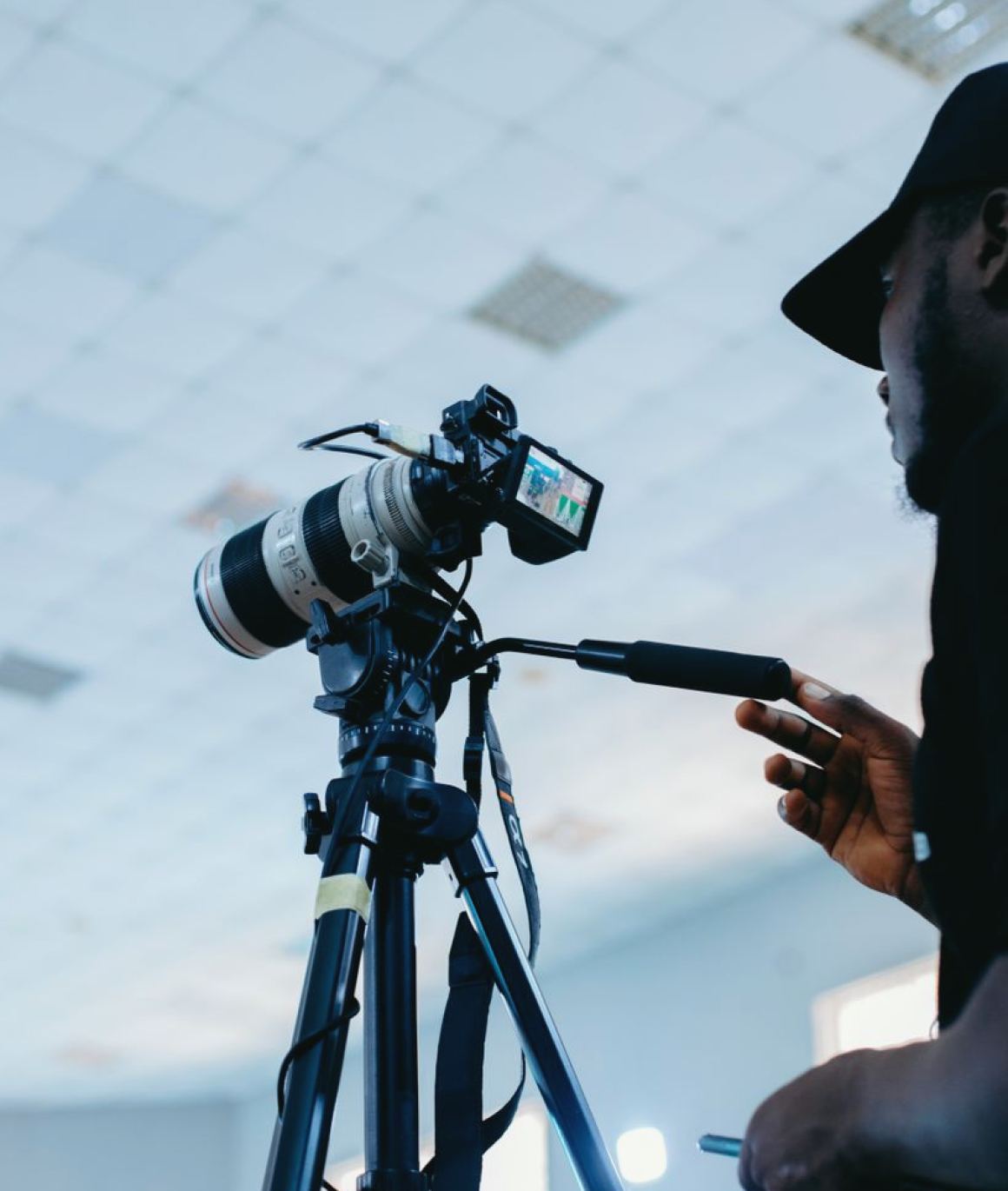
Positioning cameras before the set is final
The commonest mistake is placing cameras while the set is still being argued over. A desk gets moved by half a metre, a backdrop is swapped, a guest chair appears, and suddenly the wide shot that looked fine during the walk-through shows a stray light stand and a door. Cameras end up compromised because the floor marks were made too early.
Our advice is simple: agree the final desk and guest positions first, mark them on the floor, and only then fix camera positions. Walk each lens position with a stand-in sitting in every chair. Check head room, eye line and what sits behind each person, not just the person. It costs an hour and saves a morning of fixes later.
- Fix desk and chair positions before placing any camera
- Sit a stand-in in every seat and check each lens
- Look at the background behind the speaker, not only the speaker
Choosing the wrong kind of rig for the programme
A robotic head and a manned pedestal solve different problems, and picking one by habit is a frequent error. Robotic heads suit a tight news desk where shots repeat and crew numbers are small. Pedestals suit programmes where framing needs a human judgement from second to second, such as a lively discussion or an entertainment stage.
The mistake is to put robotic cameras on a show that wanders, then wonder why the pictures feel stiff, or to staff pedestals for a ten-minute bulletin that never moves. Ask what the programme actually does in the first five minutes, and how often a shot changes. The answer usually points to the rig, and it is cheaper to decide this on paper than after installation.
Leaving cable runs and power until last
Cameras need power, signal and often intercom and return video, and all of it has to reach the floor without becoming a trip hazard or a source of noise. We regularly meet studios where a camera was bought, positioned and then found to be fifteen metres from the nearest floor box, so a temporary cable was taped across the walkway.
Plan the cable routes at the same time as the camera positions. Keep power and signal runs apart where you can, leave a service loop at the camera end so a pedestal can move, and label both ends. Temporary cabling has a habit of becoming permanent, and it is usually the first thing to fail during a live programme when someone catches it with a foot.
- Choose floor box locations alongside camera positions
- Leave a service loop so pedestals can travel
- Label both ends of every run
Briefing operators with a shot list and nothing more
A shot list tells an operator what to frame, but not what matters. Operators who only hear that camera two takes the guest will hold a flat, safe shot and miss the moment the guest leans forward or turns to the host. Good pictures come from operators who know the programme's intent, who the speakers are likely to be, and what the director will ask for.
We brief operators on the running order, the likely trouble spots, and the vocabulary the director will use on talkback. Then we let them rehearse with real talent, not an empty chair. Ten minutes of rehearsal at the actual desk is worth more than a page of written instructions handed over at the door.
Skipping the checks before transmission
Cameras that worked yesterday can fail today for dull reasons: a loose connector, a head left unlocked, a focus demand that drifted, a battery on a handheld that nobody charged. The mistake is to trust that last session's setup is still intact.
Build a short, fixed pre-show routine and follow it every time. Check each camera for picture, tally, intercom and return video. Test pan and tilt on robotic heads through their full range, and confirm that pedestals move without catching on cables. Write the routine down so any crew member can run it. A routine that takes fifteen minutes and is done every time beats a clever one that gets skipped when the schedule tightens.
- Confirm picture, tally, intercom and return on each camera
- Test full pan and tilt range on robotic heads
- Keep the routine written down and use it every session
Treating framing as a fixed setting
Some studios set shot sizes once and never revisit them. A wide that suited a two-person interview looks empty with one presenter, and a close-up tuned for one guest cuts off another who sits taller or leans in. Framing should be reviewed whenever the talent, the set or the format changes.
Keep a small record of agreed shots for each format, with the rough zoom and position, and re-check it at the start of each series. Allow operators to make small adjustments within agreed limits instead of locking everything. The aim is pictures that stay steady and well framed without looking like the same shot recycled across every programme the studio makes.
Most camera problems on air are planning problems that were left until the day. Fix the set before the lenses, choose the rig to suit the programme, route the cables with the cameras, brief operators on intent, and run the same short checks every time. None of this needs new equipment, only discipline. If you are unsure where your own setup sits, a walk through the studio with someone who has seen these mistakes before will usually find them quickly.
Priya Nair
Lighting DesignerPriya draws lighting plots for news and interview sets and programmes the control desk.
Get in touch
Write to us: [email protected]